
Your content goes here. Edit or remove this text inline or in the module Content settings. You can also style every aspect of this content in the module Design settings and even apply custom CSS to this text in the module Advanced settings.
Your content goes here. Edit or remove this text inline or in the module Content settings. You can also style every aspect of this content in the module Design settings and even apply custom CSS to this text in the module Advanced settings. Your content goes here. Edit or remove this text inline or in the module Content settings. You can also style every aspect of this content in the module Design settings and even apply custom CSS to this text in the module Advanced settings.Your content goes here. Edit or remove this text inline or in the module Content settings. You can also style every aspect of this content in the module Design settings and even apply custom CSS to this text in the module Advanced settings. CSS to this text in the module Advanced settings and then some.
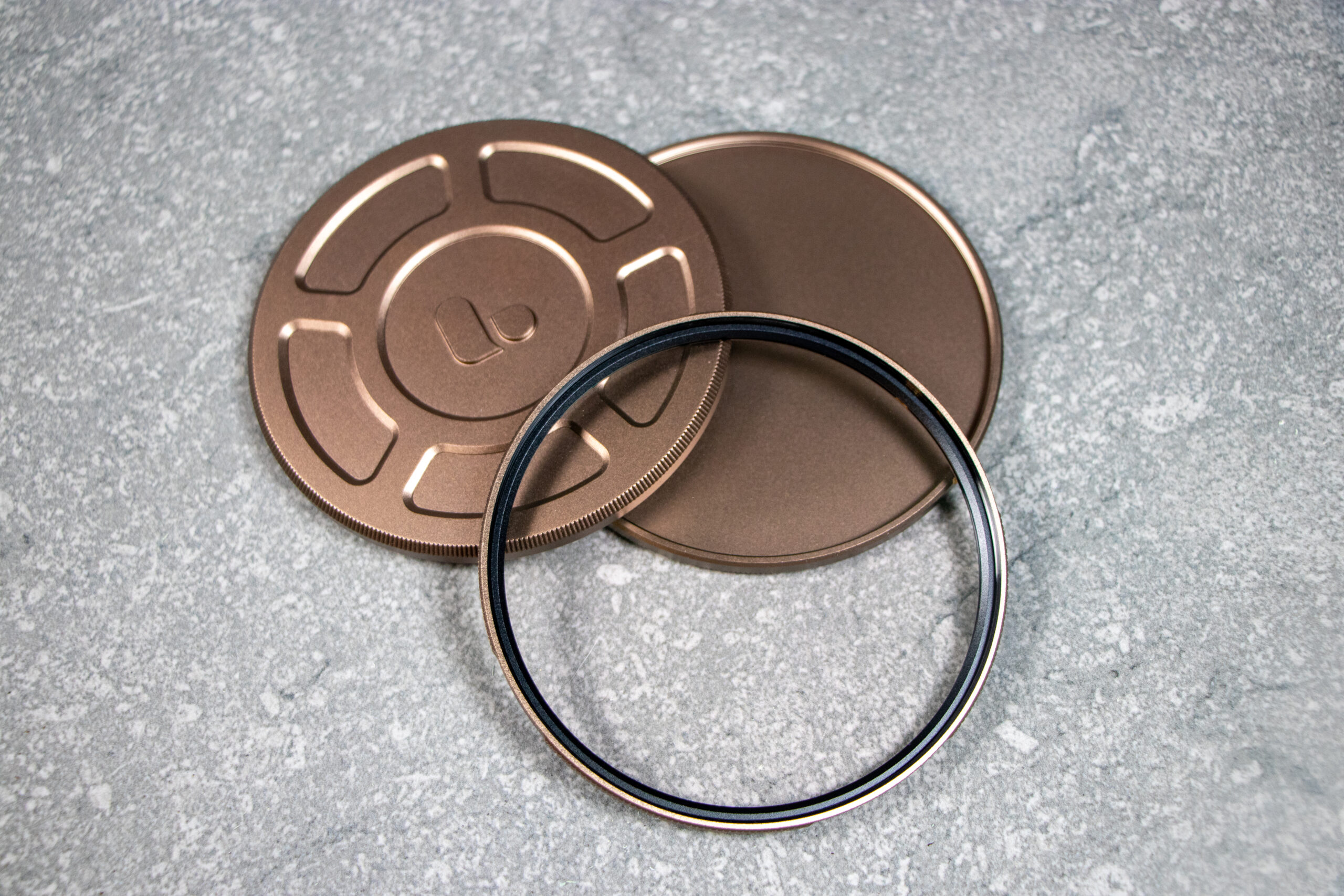
Your content goes here. Edit or remove this text inline or in the module Content settings. You can also style every aspect of this content in the module Design settings and even apply custom CSS to this text in the module Advanced settings.


The polarising filter helps you remove reflections, deepen colours, and make photos look clearer and more dramatic—especially for landscapes and outdoor shots. In this example you can see the reflections are removed from the car windscreen.
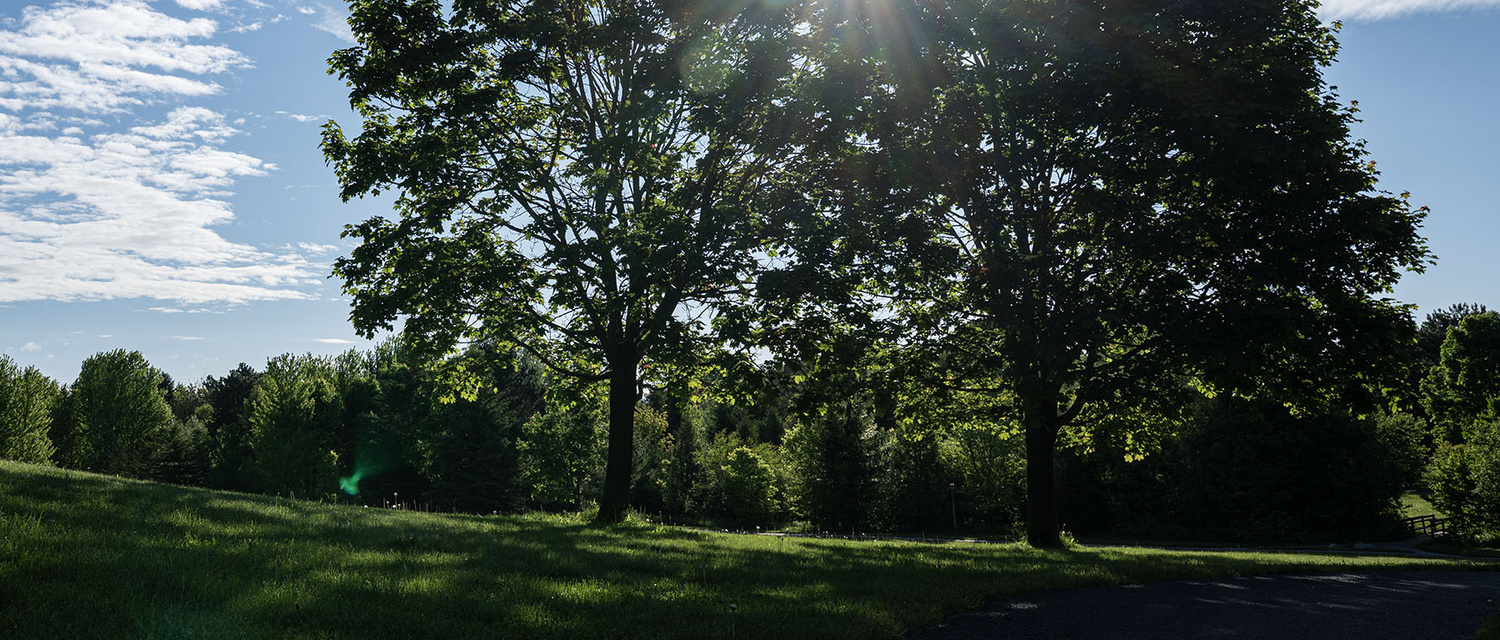

A gold mist filter is used to give photos and video a soft, glowing, warm “cinematic” look straight out of the camera—without needing heavy editing. In this example it enhances the low setting sun giving it a more golden bloom.
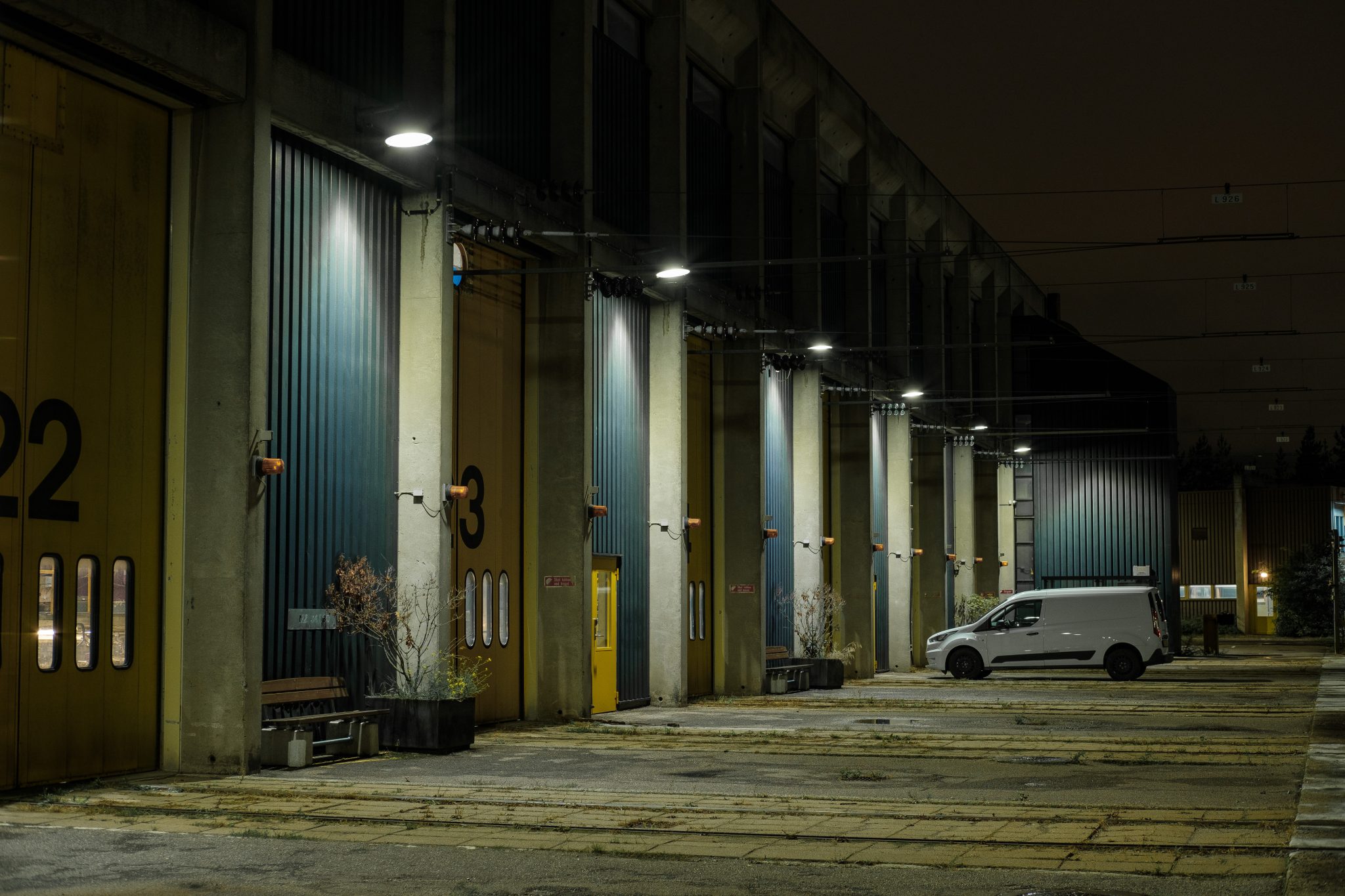
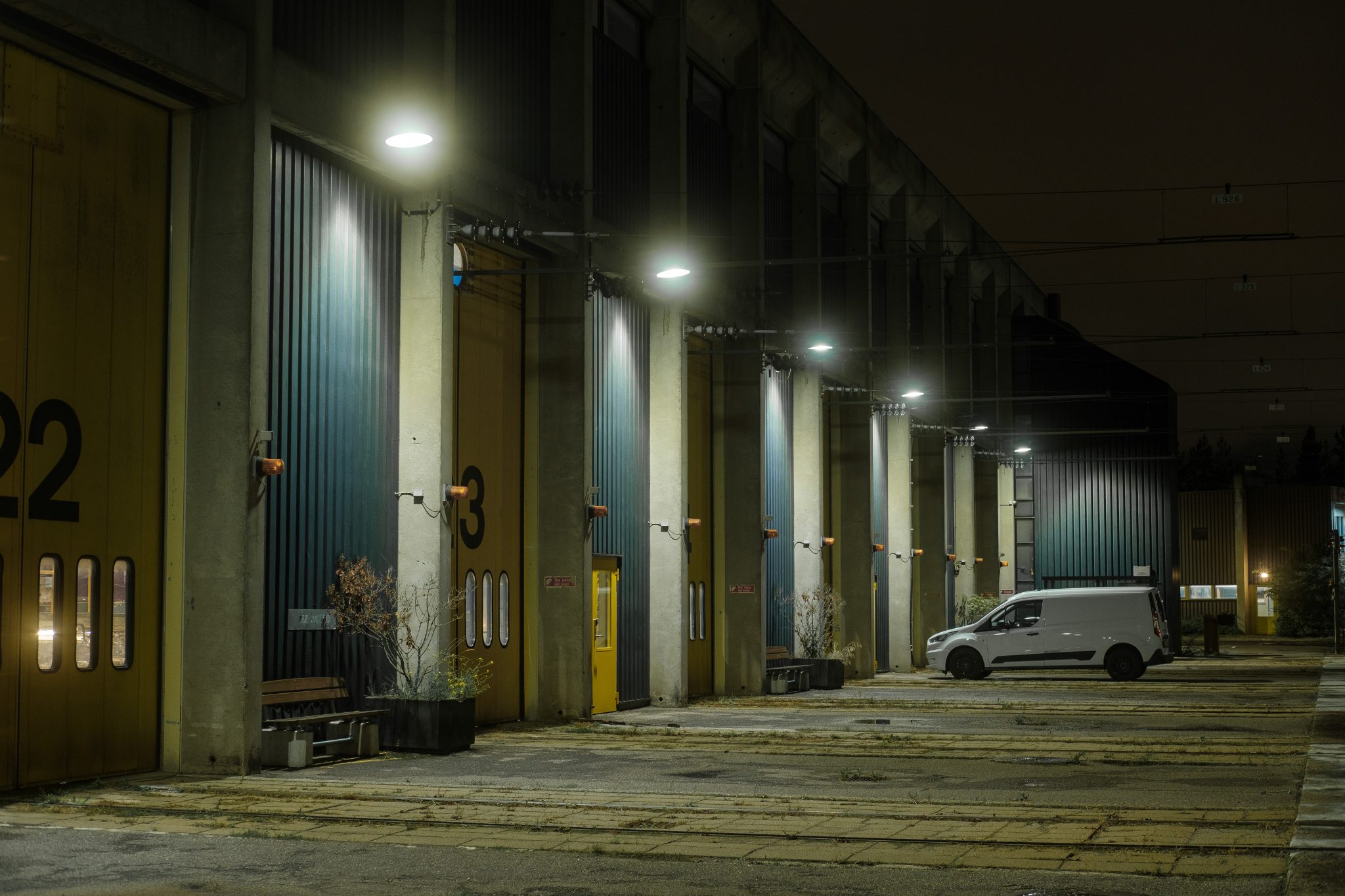
A black mist filter (often called a “black diffusion” filter) is used to soften the image and create a cinematic glow—without changing the color tone. In the example above, the street lighing has more bloom and the entire image is softer.
0 Comments